Application
Theater
A media library that transcodes video inside the browser and streams it back end-to-end encrypted — without the server ever seeing a frame.
The problem
Encrypted video and streaming video pull against each other. Streaming wants a server that can segment a file, transcode it to several bitrates, and serve byte ranges on demand. End-to-end encryption forbids that server from seeing the file at all.
Most products that advertise encrypted media quietly resolve the conflict by decrypting server-side — which means the operator can watch your library. I wanted to find out whether the honest version was actually buildable in a browser.
How it works
Transcoding runs client-side through ffmpeg.wasm, which turns an uploaded
file into HLS segments without it ever leaving the machine in plaintext. Each segment
is encrypted before upload, so the origin stores opaque blobs and a manifest it cannot
read.
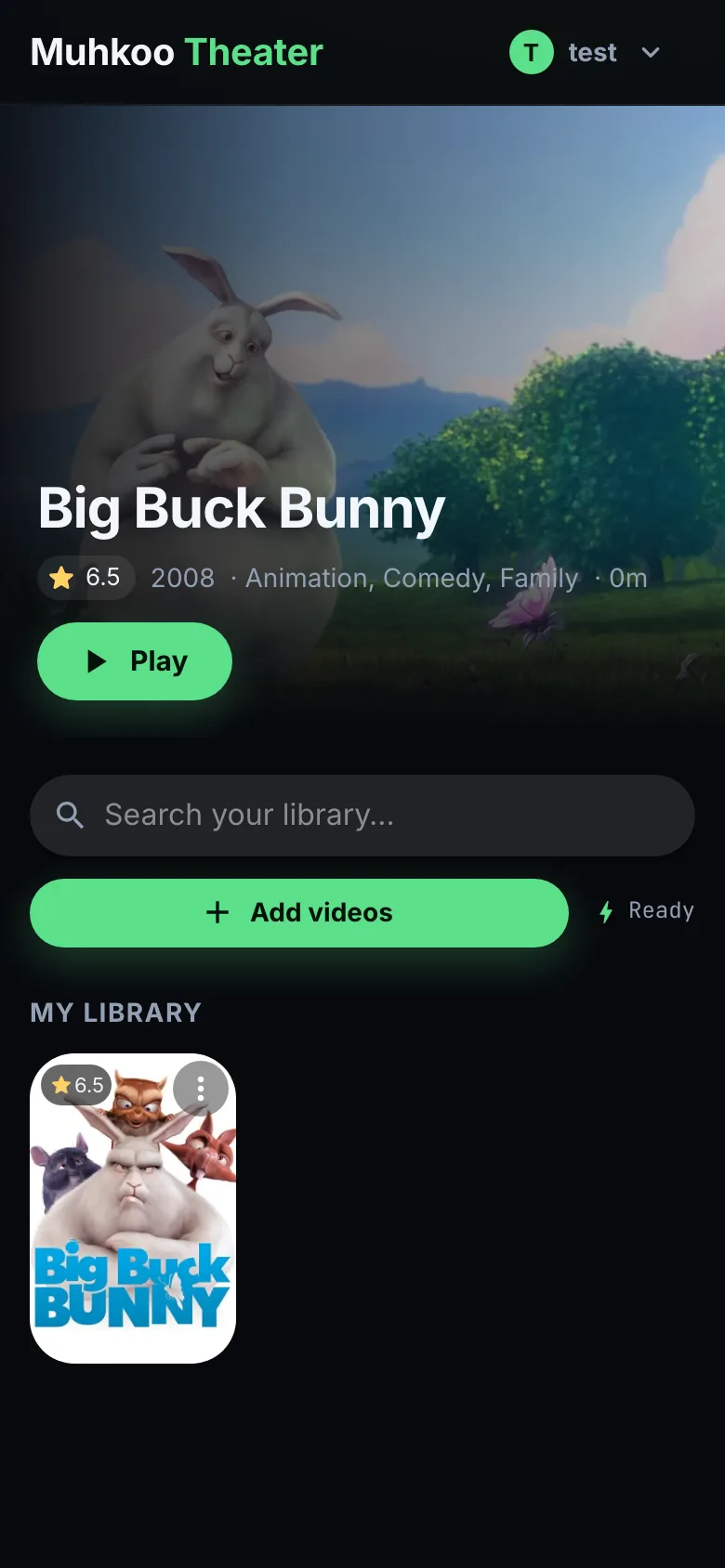
Playback is where it gets interesting. A custom hls.js loader intercepts
each segment fetch, decrypts in memory, and hands plaintext to the media element —
which preserves adaptive bitrate switching, the thing that usually dies first when you
interfere with a streaming pipeline.

What I'd do differently
In-browser transcoding is right for privacy and brutal for throughput. A feature-length file can pin a laptop for a long time, and no amount of optimization changes the fact that you are asking a tab to do a workstation's job. I ended up building a companion GPU-assisted transcoder for people who want their library ready this century — which is the correct answer, but I should have planned for it rather than discovering it under load.
The hls.js integration also taught me to touch as little of someone
else's pipeline as possible. My first version overrode more of the loader chain, and
adaptive switching broke in ways that only appeared under real network variance —
never locally. Constraining the change to the fetch path alone fixed it.